Import
Want to create a presentation really, really quickly? Import a Markdown or text file, which automatically converts it into slides in Presenter. Add a few visuals and you’re good to go.
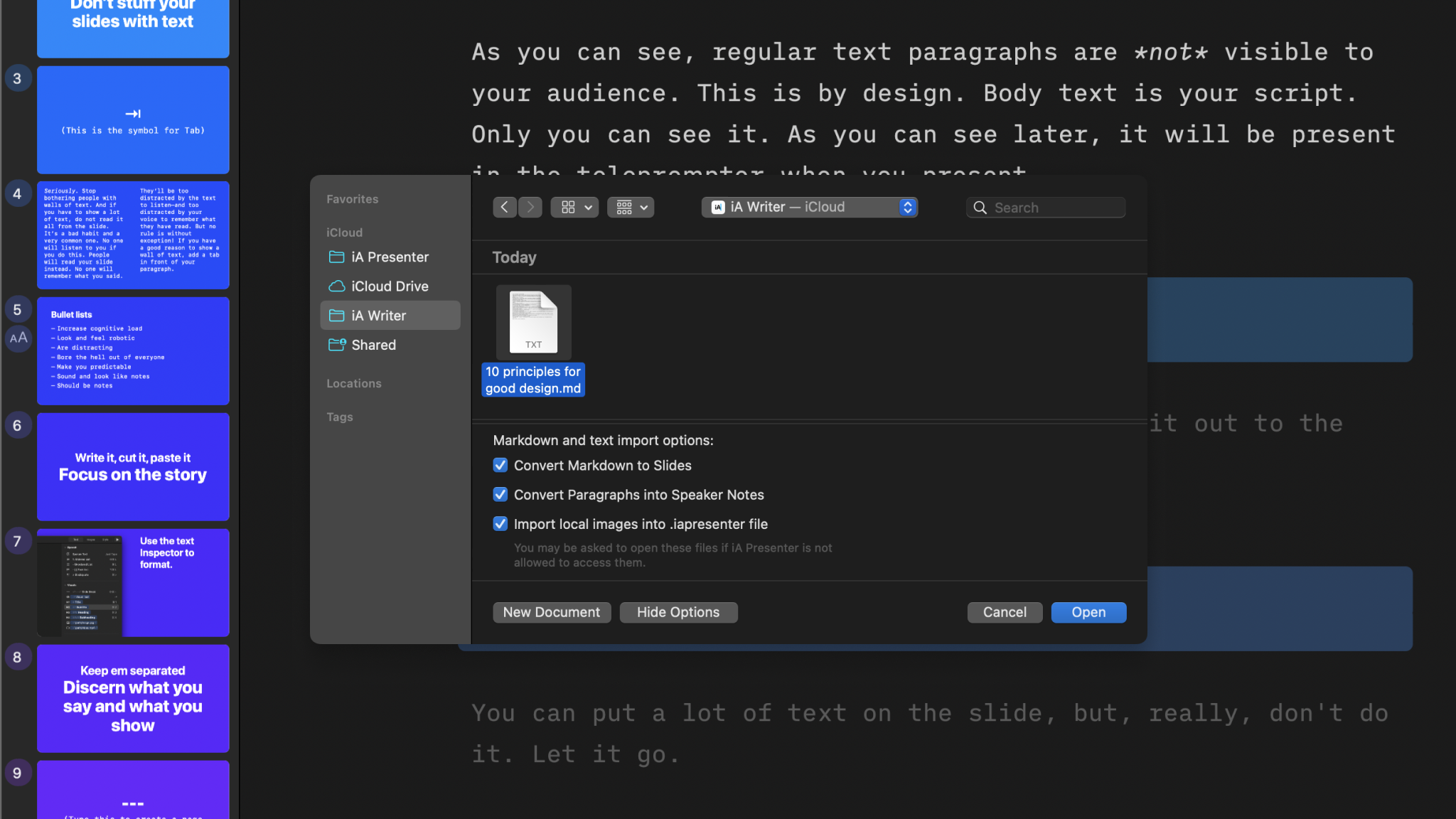
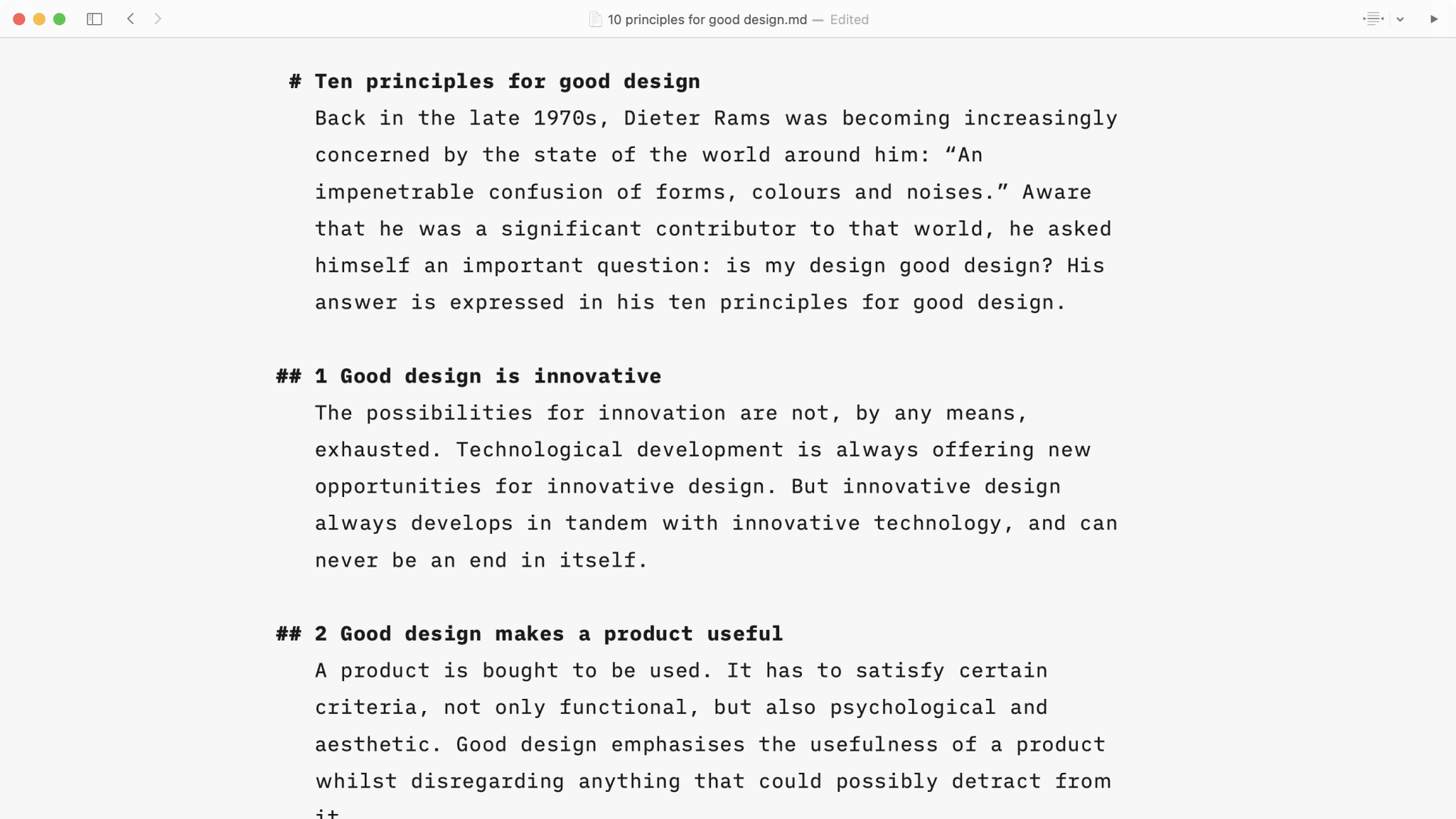
To import a .md or .txt file from Writer (or any text editor):
- Go to File → Import → Markdown/Text
- Select a file to import
- Choose from additional importing options and click Open
💡 Keep the additional importing options checked to further speed up the process of converting your document into a presentation.
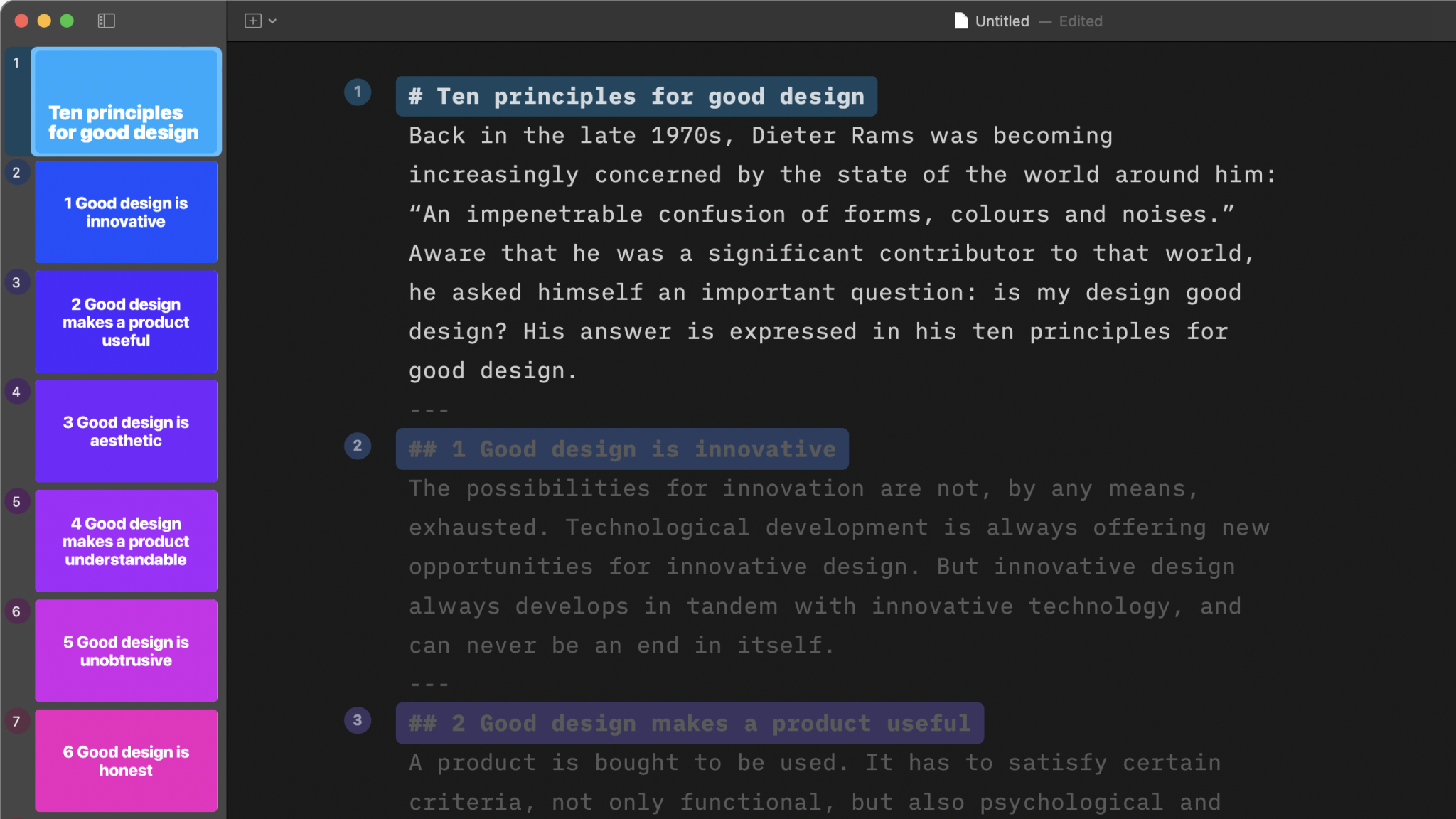
Convert Markdown to Slides
Presenter splits your imported document into slides based on its headings, such as # Heading1 or ## Heading2. Headings on consecutive lines, with no blank line or text between them, stay together on the same slide.
💡 Keep in mind that regular text paragraphs are not visible in your slides, as explained in our in-app tutorial, Fast and Focused. Body text is your script by default—your speaker notes.
Import Local Images
If your imported .md or .txt document includes local images, Presenter will automatically add them to the .iapresenter file. Depending on your local settings, Presenter may ask you for access to these images.
Imported images have to be added like this: —see our Markdown Guide for more details.
Story
Editor
The Editor is where you’ll write your narrative, add visuals, and turn your content into slides.
The Thumbnails
Preview, reorder, duplicate or delete your slides.
Tables and Charts
Create tables and charts directly in Presenter. Focused, readable, and ready to present without extra tools.
Shortcuts
Navigate the app more efficiently by learning the shortcuts available in Presenter.
Backups And Recovery
Lost your progress in a presentation? Wishing you hadn't deleted that slide? No worries!
7-Day Free Trial
Download now.
No credit card required.
Mac
No credit card required